Tips
·
Nov 5, 2025

We sent the document and the email… but that’s where it usually stops.
When sending service decks or proposals, it usually goes like this: You attach the document to an email, share a separate meeting booking link, and wait for a response. But in between, you can't even tell if they've opened the document, and there's a long gap before the meeting proposal happens. Eventually, you end up sending a follow-up email or suggesting new dates, wasting time.
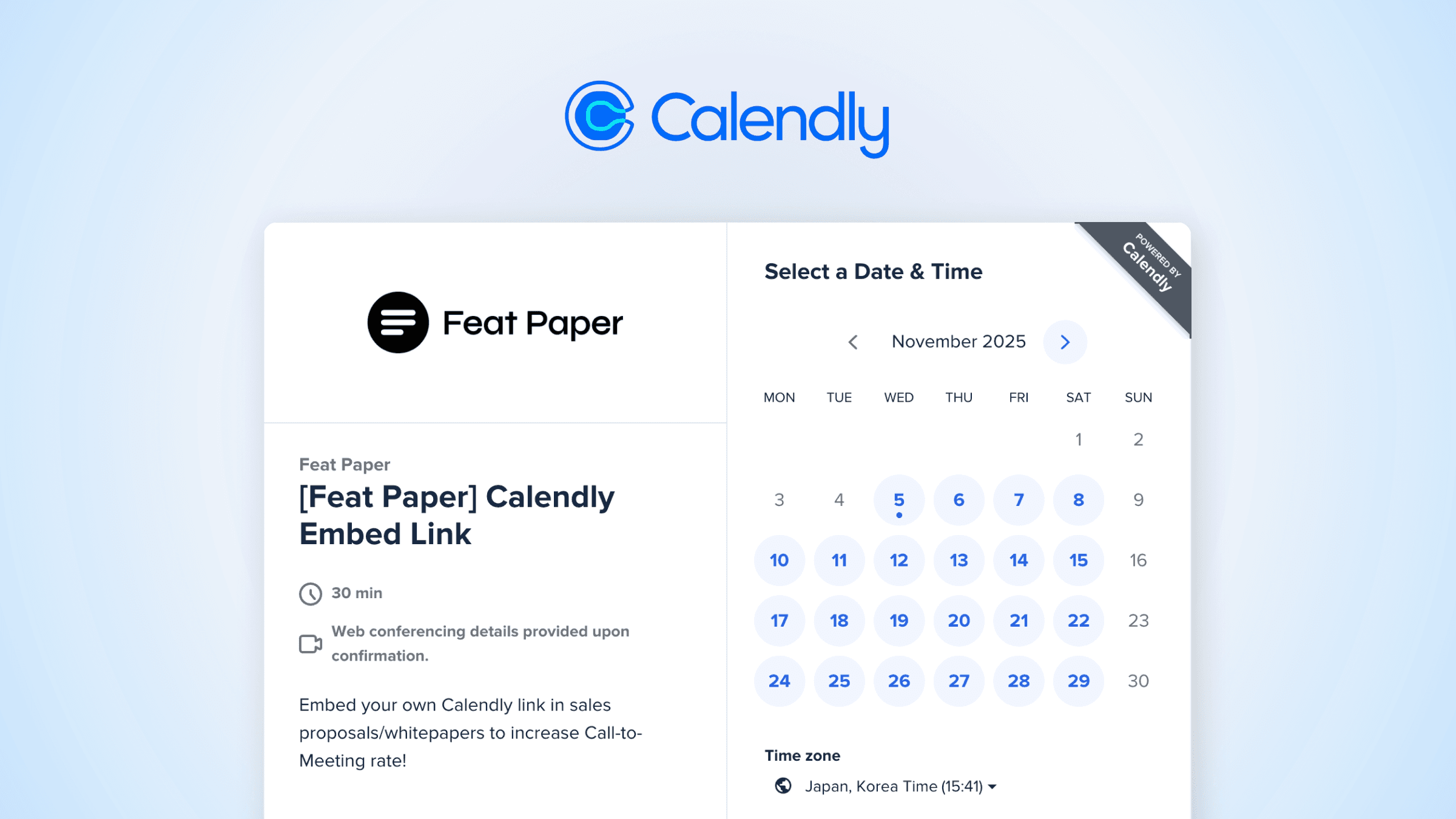
Featpaper ends this process with just one link. By embedding the scheduling tool Calendly directly into your document, recipients can select a time slot and book a meeting right from within the deck.
From proposal to meeting in one document
No need to send a separate booking link. With one click on the 'Book a Meeting' button in the document, Calendly opens up and the appointment is automatically added to the calendar.
Calendly is the most widely used scheduling automation tool, utilized by B2B SaaS and sales teams for demo requests, onboarding sessions, and consultation bookings.
How to embed Calendly in Featpaper
Create an event in Calendly and click the Copy Link button.
(Or you can find your Calendly link on the Share page by clicking the Copy Link button.)
In Featpaper's Add Motion screen, select the Embed feature.
Paste the copied Calendly link, adjust the position and size, and you're done.
Now you can see the meeting booking window directly on the page, and recipients can book a meeting with just one click.
Documents become the starting point, not the end
Improved customer response time
Meetings are confirmed right after viewing the document, eliminating the need for back-and-forth emails.
Increased conversion rates
When a 'good proposal' becomes a 'proposal that leads to meetings,' the document becomes an interface that drives action.
Instead of "I sent the deck, but no response…" "After sending the deck, a meeting was scheduled immediately."
Check Sample Document →
Other tools you can embed
In Featpaper, you can embed not just Calendly, but also Tally (surveys), Arcade (product demos), Figma (design previews), Vimeo (videos), Google Sheets, and various other external tools to enable complete communication within a single document.